Best Alternatives to Apple Logic Pro X Full MacOSX
Explore top software like Apple Logic Pro X Full MacOSX in 2026.
Overview
Introduction and Overview
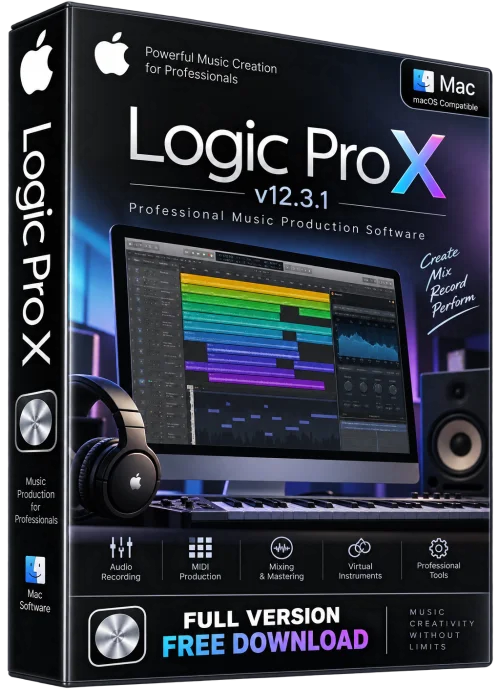
Apple Logic Pro X Full MacOSX is the complete macOS release of Apple’s professional digital audio workstation. It gives musicians, producers, podcasters, and composers a full studio environment for recording, editing, mixing, and mastering audio. Unlike lightweight editors, Logic Pro X combines MIDI sequencing, multitrack audio recording, virtual instruments, loops, and advanced mixing tools in one application. The full macOS version is optimized for Apple silicon and Intel Macs, offering low-latency performance and seamless integration with macOS. Whether you are scoring a film, producing a beat, or polishing a podcast, Logic Pro X provides industry-standard tools for professional results.
Key Features
- Multitrack audio and MIDI recording with unlimited tracks.
- Large sound library with loops, samples, and Apple Loops.
- Virtual instruments including Alchemy, Drum Kit Designer, and Retro Synth.
- Advanced mixing console with channel EQ, compressors, and spatial audio.
- Flex Time and Flex Pitch for timing and pitch correction.
- Live Loops for non-linear music arrangement.
- Dolby Atmos and surround mixing support.
- Seamless integration with macOS, iPad Sidecar, and control surfaces.
System Requirements
Minimum
- macOS 11 Big Sur or later.
- Intel Core i5 or Apple M1 chip.
- 8 GB RAM.
- 6 GB available storage for core content, more for full sound library.
- Display with 1280x800 resolution or higher.
Recommended
- macOS 13 Ventura or later.
- Apple M2 Pro, M3, or better.
- 16 GB RAM or more.
- SSD with 100 GB free for projects and libraries.
- Audio interface and MIDI keyboard for production.
How to Install and Use
- Step 1: Purchase and download Logic Pro X Full MacOSX from the Mac App Store.
- Step 2: Open the installer and drag Logic Pro to the Applications folder.
- Step 3: Launch the app and allow it to download additional sounds and loops.
- Step 4: Create a new project or open a template.
- Step 5: Connect your audio interface, microphone, or MIDI keyboard.
- Step 6: Record, arrange, edit, and mix your tracks using the mixer and plugins.
- Step 7: Export your final mix via File > Share or Bounce.
Pros and Cons
Pros
- Excellent value for a professional DAW.
- Huge built-in sound library and plugins.
- Optimized for Apple silicon Macs.
- Intuitive workflow for both beginners and pros.
Cons
- macOS only; no Windows version.
- Requires a powerful Mac for large projects.
- Steeper learning curve for advanced features.
Conclusion
Apple Logic Pro X Full MacOSX remains a top choice for music production on Mac. Its deep feature set, stable performance, and regular updates make it ideal for creators who want a complete studio in one app. If you have a compatible Mac and want professional audio tools without juggling multiple programs, Logic Pro X is a worthy investment. Download it from Apple’s official store to ensure you get the full, secure, and supported macOS version.