Best Alternatives to Bulk Crap Uninstaller Full PC
Explore top software like Bulk Crap Uninstaller Full PC in 2026.
Overview
Introduction and Overview of Bulk Crap Uninstaller Full PC
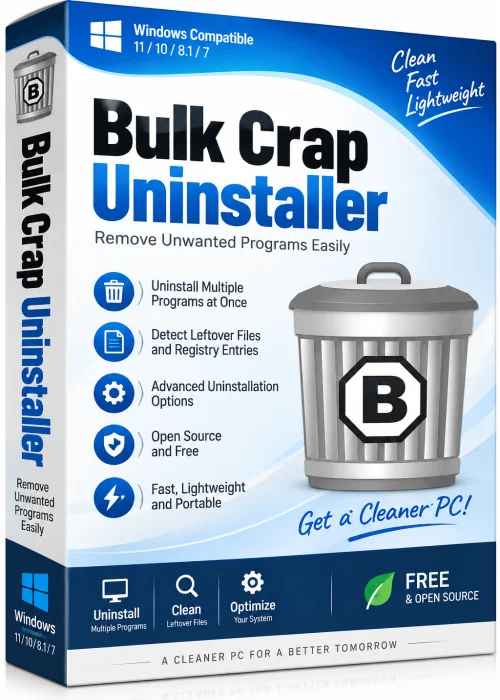
Bulk Crap Uninstaller (BCUninstaller) is a powerful, free, and open-source software removal tool designed to cleanly uninstall a large number of applications at once. Unlike the default Windows uninstaller, this utility detects leftover files, registry entries, and orphaned applications, ensuring a truly thorough removal. Perfect for PC technicians, power users, and anyone who frequently tests software, Bulk Crap Uninstaller Full PC streamlines the entire cleanup process with advanced automation and batch processing capabilities.
Key Features
- Batch Uninstallation: Remove multiple programs simultaneously without manual intervention.
- Advanced Detection: Identifies hidden apps, leftovers, and registry traces left by standard uninstallers.
- Portable Mode: Run directly from a USB drive without installation.
- Forced Uninstall: Built-in brute-force removal for stubborn or broken installations.
- System Restore Point: Automatically creates a restore point before uninstalling for safety.
- App Classification: Filters by app type (e.g., Microsoft Store, Steam, Windows components).
- Customizable Blacklists/Whitelists: Control which apps appear in your uninstall list.
- Multilingual Support: Available in many languages with a user-friendly interface.
System Requirements
Minimum Requirements
- OS: Windows 7 or later (32-bit/64-bit)
- Processor: 1 GHz x86 or x64 CPU
- RAM: 512 MB
- Hard Disk: 50 MB free space
Recommended Requirements
- OS: Windows 10/11 (64-bit)
- Processor: 2 GHz or faster multi-core
- RAM: 4 GB
- Hard Disk: 200 MB SSD for fast performance
How to Install and Use
- Step 1: Download the latest version from the official website. Choose either the setup or portable ZIP version.
- Step 2: If using the installer, run the executable and follow the on-screen prompts. For portable, extract the ZIP and run BCUninstaller.exe.
- Step 3: Launch the app. It will scan your system and display all detected applications, drivers, and components.
- Step 4: Select one or more programs by checking the boxes. Use filters and search to locate specific entries.
- Step 5: Click the “Uninstall” button (or right-click and choose “Uninstall Selected”). Confirm any system restore prompts.
- Step 6: Let the tool run its full cleanup. Review the log report to ensure no remnants remain.
Pros and Cons
Pros
- Completely free and open source with no ads or bloatware.
- Excellent batch uninstall capabilities save enormous time.
- Portable and lightweight, ideal for maintenance tools.
- Thorough scanning removes traces that typical uninstallers miss.
- Automatic system restore points provide a safety net.
Cons
- Advanced interface may feel overwhelming for novice users.
- Some features (like forced uninstall) require cautious use.
- No official macOS version; Windows only.
Conclusion
Bulk Crap Uninstaller Full PC is an indispensable utility for keeping your Windows system clean and optimized. Its powerful batch processing, in-depth trace removal, and portable nature make it a favorite among tech enthusiasts and IT pros alike. If you regularly install and uninstall software, or simply want to purge digital junk from your PC, BCUninstaller delivers unmatched efficiency—completely free. Download it today and take control of your uninstall process.