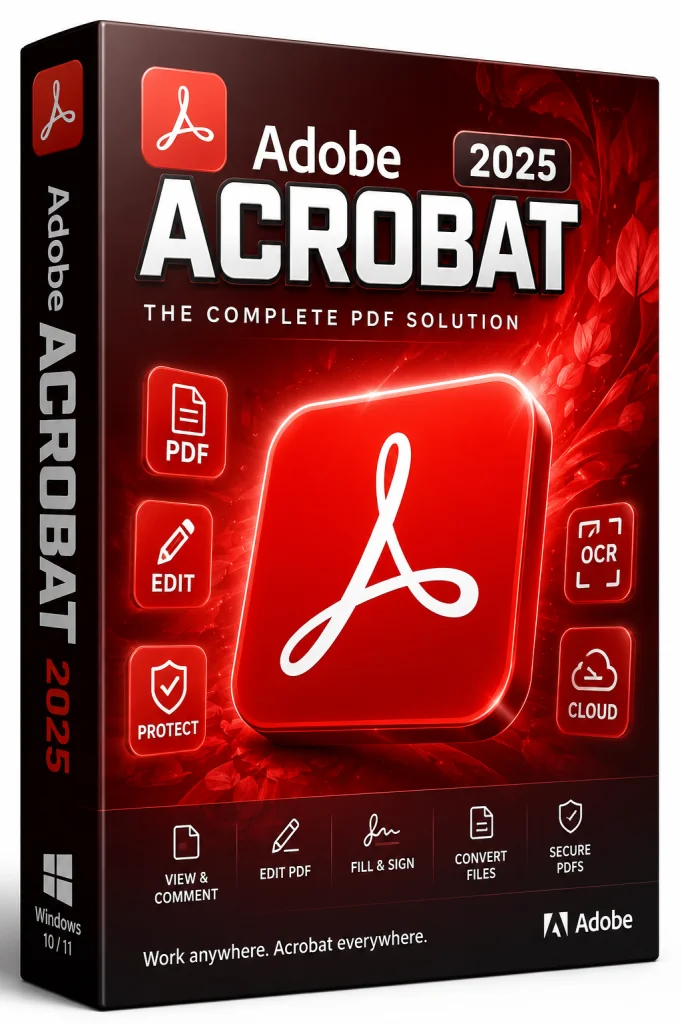
Adobe Acrobat Pro DC 2026 64-bit Offline Installer
Get the standalone offline installer for 64-bit systems.
Overview
Introduction and Overview
Adobe Acrobat Pro DC 2026 is the latest iteration of Adobe's industry-leading PDF management software. Designed for professionals, businesses, and power users, it combines advanced PDF editing, creation, conversion, e-signature capabilities, and AI-powered document intelligence in one seamless workflow. Whether you need to edit text and images, convert documents to various formats, or securely share files across devices, Acrobat Pro DC 2026 delivers robust features with an intuitive, modern interface. With deep cloud integration through Adobe Document Cloud, it ensures your work is always accessible, synchronized, and protected. In this comprehensive guide, we'll dive deep into its capabilities, system requirements, installation steps, and more, helping you decide if it's the right tool for your document needs.
Key Features
Adobe Acrobat Pro DC 2026 is packed with a wide array of features designed to enhance productivity and streamline document workflows. Here are the standout capabilities:
- AI-Powered Document Assistant: Leverage the new Acrobat AI Assistant to summarize long PDFs, ask questions, and extract key insights instantly, saving hours of manual review time.
- Advanced PDF Editing: Edit text, images, and layouts across any PDF with precision, preserving formatting and fonts. Effortlessly adjust paragraphs, insert new text, and replace images.
- Smart OCR with Language Support: Convert scanned documents and images into searchable, editable text with high accuracy and support for over 25 languages, making digitization effortless.
- e-Signature Integrated: Send documents for signature, track status, and legally collect e-signatures without leaving the application. Works seamlessly with Adobe Sign.
- One-Click Conversion: Convert PDFs to Microsoft Word, Excel, PowerPoint, or HTML and back, maintaining fidelity and formatting. This feature is perfect for repurposing content.
- Collaborative Review: Invite multiple stakeholders to comment, highlight, and annotate in real time with shared review workflows. Resolve comments efficiently within the app.
- Batch Processing: Automate repetitive tasks such as merging, splitting, or applying watermarks to multiple PDFs at once. The improved Action Wizard lets you create custom commands.
- Enhanced Security: Use advanced redaction, password protection, and digital certificates to safeguard sensitive information. Easily classify documents with custom labels.
- Responsive Cloud Storage: Access recent files anywhere, with 100GB of Adobe Document Cloud storage included. Your files are always in sync across devices.
- 3D and Multimedia Support: Embed and interact with 3D models and interactive media in your PDFs for rich presentations. Ideal for technical documentation.
System Requirements
Before installing Adobe Acrobat Pro DC 2026, ensure your system meets the following requirements for optimal performance. Below are the minimum and recommended specifications for both Windows and macOS.
Minimum Requirements (Windows)
- Windows 10 (64-bit) version 21H2 or later / Windows 11
- 1.5 GHz or faster processor (Intel or AMD)
- 2 GB RAM (4 GB recommended)
- 4.5 GB of available disk space
- 1024 x 768 screen resolution
- Internet connection for activation and cloud services
Minimum Requirements (macOS)
- macOS 12 (Monterey), 13 (Ventura), or 14 (Sonoma)
- Intel processor (Apple Silicon supported)
- 2 GB RAM (4 GB recommended)
- 4.5 GB of available disk space
- 1024 x 768 screen resolution
- Internet connection for activation and cloud services
Recommended Requirements
- Windows 11 (64-bit) or macOS 14 (Sonoma)
- Multi-core processor, such as Intel Core i5/i7 or AMD Ryzen 5/7
- 8 GB RAM or more
- 8 GB of available SSD space for faster performance
- 1920 x 1080 or higher resolution display
- Solid-state drive (SSD) for quick load times and smoother operation
How to Install and Use
Installing and using Adobe Acrobat Pro DC 2026 is straightforward, especially with the step-by-step guide below. Follow these instructions to get up and running in no time.
- Download: Visit the official Adobe website, navigate to the Acrobat Pro DC page, and click the "Free Trial" or "Buy" button to download the installer.
- Install: Run the downloaded installer. Accept the license agreement, choose the installation location, and click "Install". Wait for the installation to complete.
- Launch and Sign In: Open Acrobat Pro DC. You'll be prompted to sign in with your Adobe ID or create a new one. Enter your credentials and activate your subscription.
- Set Up: On the home screen, you can customize your preferences, including user interface, security settings, and cloud syncing.
- Create a PDF: Click "Create PDF" to select files from your computer, such as Word documents, images, or scanned pages. Acrobat will convert them instantly.
- Edit a PDF: Open any PDF and use the "Edit PDF" tool to modify text, images, or entire pages. Click on text directly to update it, or use the formatting pane for more options.
- Use AI Assistant: From the right panel, access the AI Assistant to summarize or query your document. This is great for long reports and research papers.
- Request e-Signatures: Go to "Fill & Sign", add your signature, or send the document for signature via Adobe Sign. Track progress and receive notifications.
- Save and Share: Save your work to Adobe Document Cloud for easy access from any device, or export to another format using "Export PDF". Share securely via a link with permissions.
Pros and Cons
Like any powerful software, Adobe Acrobat Pro DC 2026 has its strengths and potential drawbacks. Consider the following pros and cons to determine if it's the right fit for your workflow.
Pros
- Comprehensive PDF Solution: Everything you need for PDF creation, editing, conversion, and signing is in one application.
- AI Features: The new AI Assistant is a game-changer for extracting insights from long documents, making research far more efficient.
- Seamless Cloud Integration: Adobe Document Cloud provides consistent access and synchronization across all your devices, enhancing remote collaboration.
- Excellent Security: Advanced encryption, redaction, and digital signatures provide enterprise-grade protection.
- Regular Updates: Adobe continuously improves the software with new features and security patches.
Cons
- Subscription Cost: The software requires a monthly or annual subscription, which can be expensive for individuals with basic needs.
- Resource-Heavy: It consumes significant system memory and CPU, especially when handling large PDFs or using AI features.
- Steep Learning Curve: Advanced features may seem daunting to new users, though Adobe offers tutorials and support.
- Overkill for Casual Users: If you only need to view and print PDFs, free alternatives like Adobe Reader suffice. This tool is best for professionals.
Conclusion
Adobe Acrobat Pro DC 2026 continues to set the benchmark for PDF software. With its unmatched feature set, AI-driven enhancements, and robust security, it's the go-to tool for professionals across industries. While the subscription model and high resource usage may not suit everyone, the productivity gains and reliable performance more than compensate for these drawbacks. Whether you're managing complex contracts, creating interactive reports, or collaborating with remote teams, Acrobat Pro DC 2026 offers the power and flexibility to streamline your document workflows. If you're serious about document management, investing in Adobe Acrobat Pro DC 2026 is a decision you won't regret.