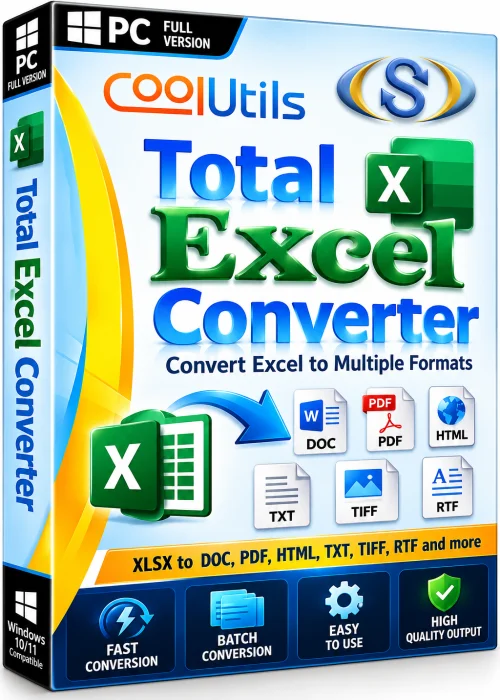
Coolutils Total Excel Converter Full PC Free Download for Windows 10/11
Optimize your PC with the fully compatible Windows 10 version.
Overview
Introduction and Overview
Coolutils Total Excel Converter is a dedicated file conversion utility designed to transform Excel spreadsheets into many formats while preserving layout, formulas, and data integrity. If you search for 'Coolutils Total Excel Converter full PC free download,' the official software offers a free trial that lets you test its core capabilities before upgrading. It supports XLS, XLSX, XLSM, CSV, TSV, ODS, and other spreadsheet types. It exports to PDF, DOC, HTML, TXT, XML, DBF, SQL, and image formats like JPEG, TIFF, and PNG. It is ideal for accountants, analysts, and office users who need reliable batch conversion on Windows.
Key Features
- Batch conversion: Convert hundreds of Excel files at once.
- Wide format support: Export to PDF, DOC, HTML, TXT, CSV, XML, DBF, SQL, ODS, and images.
- Excel-to-PDF precision: Keep tables, charts, headers, and page breaks exactly as intended.
- Command-line interface: Automate conversions with scripts and scheduled tasks.
- Custom page settings: Adjust paper size, orientation, margins, and scaling for PDF output.
- File merging: Combine multiple worksheets or workbooks into one PDF or document.
- Excel splitter: Break large sheets into smaller files by rows, columns, or worksheets.
- User-friendly interface: Drag-and-drop workflow with clear conversion presets.
System Requirements
Minimum
- OS: Windows 7, 8, 8.1, 10, or 11 (32-bit or 64-bit)
- Processor: 1 GHz or faster
- RAM: 1 GB
- Storage: 60 MB free space
- Display: 1024 x 768 resolution
Recommended
- OS: Windows 10 or Windows 11 (64-bit)
- Processor: 2 GHz dual-core or higher
- RAM: 4 GB or more
- Storage: 200 MB free space
- Display: 1920 x 1080 or higher
How to Install and Use
Follow these steps to set up and run the program on your PC:
- Download the installer: Visit the official Coolutils website and download the free trial. Avoid third-party sites offering 'full free download' versions, as they may bundle malware or violate licensing.
- Run the setup: Double-click the .exe file and follow the wizard. Accept the license agreement and choose an install folder.
- Launch the program: Open Total Excel Converter from the Start menu or desktop shortcut.
- Add files: Drag and drop Excel files into the main window or click 'Add Files.' You can also add an entire folder.
- Choose output format: Select PDF, DOC, HTML, CSV, or another target format from the dropdown menu.
- Configure settings: Adjust page size, margins, encoding, and other options. Apply the same settings to all files for batch jobs.
- Start conversion: Select the output folder, click 'Convert,' and wait for the process to finish.
Pros and Cons
Pros
- Fast and reliable batch conversion for large Excel datasets.
- Excellent layout retention when converting to PDF.
- Supports a very wide range of output formats.
- Includes command-line automation for advanced users.
- Simple, intuitive interface with drag-and-drop support.
Cons
- The full version is paid; the free trial has limitations.
- Some advanced features require a learning curve.
- Not available for macOS or Linux.
- 'Full PC free download' claims from unofficial sources are often unsafe or illegal.
Conclusion
Coolutils Total Excel Converter is a robust, professional-grade solution for converting Excel spreadsheets into PDFs, documents, databases, and images without losing formatting. While many users search for a 'Coolutils Total Excel Converter full PC free download,' the safest and most reliable way to get the software is to download the official free trial from the developer's website. If it meets your needs, purchasing a license unlocks unlimited conversions, priority support, and future updates. For businesses and individuals who handle Excel files daily, this converter can streamline document workflows and improve productivity on Windows.