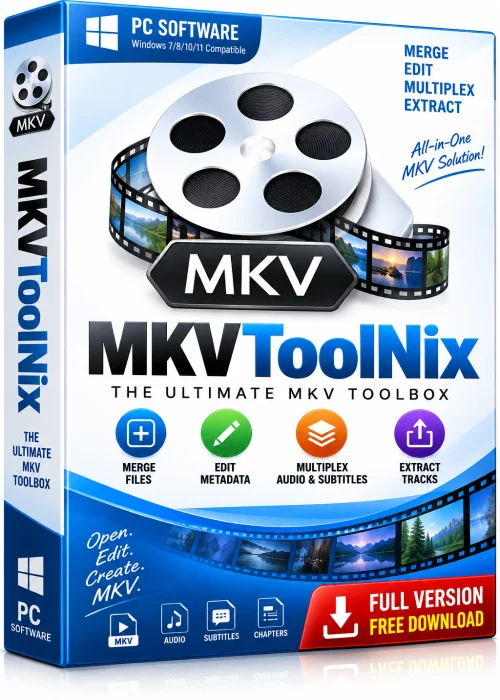
MKVToolNix Full PC Free Download 64-bit Offline Installer
Get the standalone offline installer for 64-bit systems.
Overview
Introduction and Overview of MKVToolNix
MKVToolNix is a powerful, open-source collection of tools designed for creating, editing, inspecting, and merging Matroska (MKV) video files. Whether you are a casual user who wants to combine subtitle tracks with a movie or a professional video editor managing complex multimedia projects, MKVToolNix delivers a complete toolkit without charging a single cent. The software is built around the Matroska container format, an open standard that supports an unlimited number of video, audio, subtitle, and chapter tracks inside one file. Because it is cross-platform and actively maintained by a dedicated community, MKVToolNix Full PC Free Download remains one of the most trusted names in multimedia file management.
The package includes several command-line utilities such as mkvmerge, mkvinfo, mkvextract, and mkvpropedit, alongside a user-friendly graphical interface called MKVToolNix GUI. This combination gives beginners an accessible starting point while offering advanced users deep control over every aspect of their media files.
Key Features
- Merge multiple video, audio, and subtitle files into a single MKV container.
- Split large MKV files by size, duration, or chapter markers.
- Extract individual tracks, subtitles, attachments, and chapters from existing files.
- Edit track properties such as language, name, flags, and default settings without remuxing.
- Full support for chapters, tags, and metadata editing.
- Batch processing and job queue for handling multiple tasks at once.
- Command-line interface for scripting and automation.
- Cross-platform support for Windows, macOS, and Linux.
- Completely free and open-source with regular updates.
System Requirements
Minimum Requirements
- Operating System: Windows 7, macOS 10.13, or a modern Linux distribution.
- Processor: 1 GHz dual-core CPU.
- RAM: 2 GB.
- Storage: 100 MB of free disk space.
- Display: 1024x768 resolution.
Recommended Requirements
- Operating System: Windows 10 or 11 (64-bit), latest macOS, or Ubuntu 22.04+.
- Processor: Intel Core i5 or AMD Ryzen 5 and above.
- RAM: 8 GB or more for handling large 4K files.
- Storage: SSD with several gigabytes of free space for output files.
- Display: 1920x1080 resolution or higher.
How to Install and Use MKVToolNix
- Visit the official MKVToolNix website and download the installer that matches your operating system.
- Run the downloaded setup file and follow the on-screen instructions.
- Launch MKVToolNix GUI from your Start menu or applications folder.
- Click the Add Source Files button and select the video, audio, or subtitle files you want to combine.
- Arrange the tracks in your preferred order and adjust language, names, and flags as needed.
- Choose an output folder and filename for your new MKV file.
- Click Start Multiplexing and wait for the process to finish.
- Use the Extract or Info tabs to inspect or break apart existing MKV files whenever required.
Pros and Cons
Pros
- Completely free with no ads, watermarks, or hidden fees.
- Supports virtually every codec and container combination.
- Lightning-fast remuxing without quality loss.
- Beginner-friendly GUI paired with a powerful CLI.
Cons
- It does not re-encode video, so it cannot compress files.
- The interface can feel technical for absolute beginners.
Conclusion
MKVToolNix stands out as an essential utility for anyone working with MKV files. Its blend of speed, flexibility, and zero cost makes it a top choice for remuxing, splitting, and editing multimedia containers. If you want full control over your video library without paying for premium software, MKVToolNix Full PC Free Download is a smart, reliable solution worth installing today.