Wondershare PDFelement Pro 64-bit Offline Installer
Get the standalone offline installer for 64-bit systems.
Overview
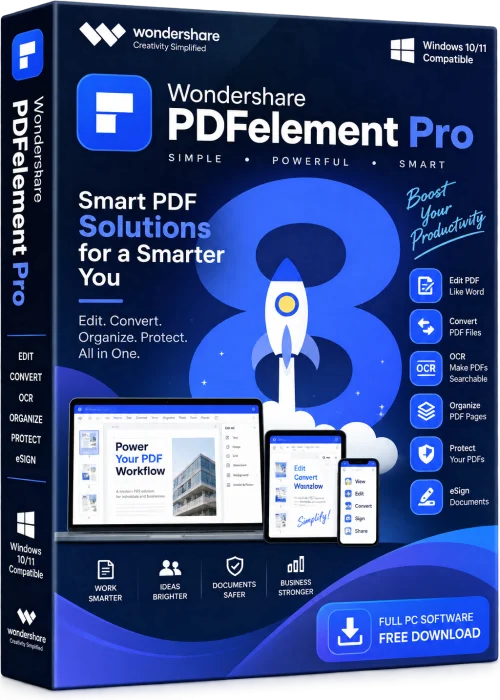
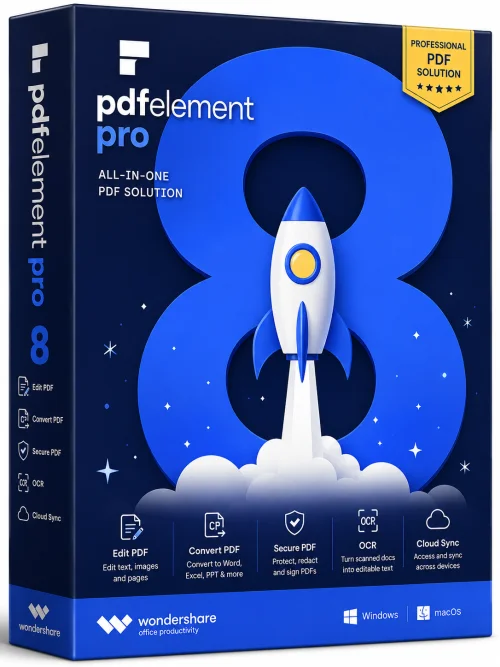
Wondershare PDFelement Pro is a powerful, all-in-one PDF solution that has redefined how individuals and businesses create, edit, convert, and manage their PDF documents. Whether you are a student preparing reports, a professional handling complex contracts, or a business owner looking to streamline document workflow, PDFelement Pro offers a comprehensive suite of tools that are both robust and incredibly easy to use. With its intuitive interface, advanced AI-powered features, and affordable pricing, it stands as a viable alternative to industry giants like Adobe Acrobat.
This software is designed to bridge the gap between simplicity and functionality, offering users the ability to handle every aspect of PDF management without a steep learning curve. From editing text and images to converting PDFs to editable formats like Word, Excel, and PowerPoint, PDFelement Pro ensures that your documents always look professional and polished. Its optical character recognition (OCR) technology allows you to work with scanned documents as if they were native digital text, making data extraction and editing effortless.
As businesses become increasingly paperless, PDFs remain the standard for sharing and storing information. However, working with static PDFs often feels restrictive. That is where PDFelement Pro shines—it transforms your PDF experience by delivering a seamless, feature-rich editor that scales to meet your needs. In this comprehensive guide, we will dive deep into its key features, system requirements, installation process, and pros and cons, so you can decide if this tool is the right fit for you.
Key Features
Wondershare PDFelement Pro is packed with a wide array of features that make it a top-tier PDF manager. Below are some of the most impressive capabilities that set it apart from the competition:
- PDF Editing: Edit text, fonts, colors, and images directly within your PDF. The editing tools are precise and allow for complete control over the layout and appearance of your documents.
- Error-Free OCR: The OCR feature recognizes text in scanned documents and images, converting them into fully editable and searchable text. It supports multiple languages, making it ideal for international users.
- Format Conversion: Convert PDFs to and from Microsoft Word, Excel, PowerPoint, EPUB, HTML, RTF, and more. Bulk conversion is supported, saving you time when processing multiple files.
- Form Creation and Filling: Effortlessly create interactive Forms and fill out existing ones. The software detects form fields automatically, and you can add text, checkmarks, and dropdown lists with ease.
- Annotating and Commenting: Add comments, highlights, sticky notes, and using a robust set of markup tools, making collaboration simple and effective. You can also reply to comments and track changes.
- Signature & Security: Create and insert professional-looking digital signatures. Protect your documents with passwords, redaction, and permissions controls to ensure data security.
- AI-Powered Assistance: The latest version includes an AI assistant that can summarize, rewrite, and translate PDF content, drastically speeding up your workflow.
- Page Management: Rearrange, split, extract, crop, and rotate pages to organize your document exactly how you want it. Batch processing helps you handle multiple documents simultaneously.
- Watermark & Background: Add image or text watermarks to protect your intellectual property, and customize page backgrounds for a professional touch.
- OCR for Scanned Documents: Convert paper documents into digital, editable files that can be searched and indexed, helping you go paperless.
- Cross-Platform Support: Available on Windows, macOS, iOS, and Android, allowing you to access and edit your documents on the go.
System Requirements
Before installing Wondershare PDFelement Pro, it is essential to ensure that your system meets the minimum specifications. However, for optimal performance, especially when working with large documents or using OCR features, we recommend the higher specifications.
Minimum Requirements
- Operating System: Windows 10, 8.1, 8, or 7 (32-bit or 64-bit) / macOS 10.14 or later
- Processor: 1GHz or above
- RAM: 512 MB (2 GB recommended)
- Hard Disk Space: 2 GB of available free space
- Display: 1024 x 768 screen resolution
- Other: Internet connection for activation and updates
Recommended Requirements
- Operating System: Windows 11, 10 (64-bit) / macOS 13 (Ventura) or later
- Processor: Multi-core processor (Intel Core i5 or higher)
- RAM: 4 GB or more
- Hard Disk Space: 4 GB of available free space (SSD recommended)
- Display: 1920 x 1080 resolution or higher
- Other: Graphics hardware acceleration for rendering large PDFs
Note that for the OCR feature to work smoothly, a minimum of 2 GB RAM is recommended, and for heavy processing, 4 GB or more is preferable. Also, ensure your device has an active internet connection for the initial activation and periodic license validation.
How to Install and Use
Getting started with Wondershare PDFelement Pro is a straightforward process, even for non-tech-savvy users. Follow these step-by-step instructions to install and use the software effectively.
Installation Steps
- Download the Installer: Visit the official Wondershare website and download the PDFelement Pro version that matches your operating system (Windows or macOS). Click the download button and wait for the setup file to be saved.
- Run the Setup: Locate the downloaded installer file (usually in your 'Downloads' folder) and double-click it to launch the installation wizard.
- Follow the Prompts: The installer will guide you through a series of clicks. Review the license agreement, choose your installation preferences (such as creating a desktop shortcut), and select the destination folder. Click 'Install' to proceed.
- Activate the Product: After installation, launch PDFelement Pro. If you have purchased a license, enter your email and the serial number/code when prompted. You can also start a free trial to explore the features.
- Complete Setup: Once activated, you will see the main dashboard. You may choose to associate PDF files with PDFelement, but this is optional. The software is now ready to use.
Basic Usage Guide
- Open a PDF: Click 'Open' on the main menu to browse for your PDF file, or simply drag and drop it into the workspace.
- Edit Content: Switch to the 'Edit' tab. Click on any text block to edit it directly. Use the toolbar to change font, size, color, and alignment. For images, you can click to select and then delete, resize, or replace them.
- Convert PDF: In the 'Convert' tab, select the output format (Word, Excel, etc.). Click 'Convert' and wait for the process to complete. The converted file will be saved in your chosen location.
- Use OCR: For scanned documents, select the 'OCR' option. Choose the appropriate language and whether to make the document searchable or exactly editable. The software will process and recognize the text.
- Annotate and Collaborate: Go to the 'Comment' tab and select tools like highlight, sticky note, or rectangle. Add your comments, then save and share the document.
- Create and Fill Forms: Under 'Form', click 'Create Form' to design your own with text fields, checkboxes, and drop-downs. For existing forms, the software will auto-detect fields, and you can simply type in the blanks.
- Secure Your Document: In 'Protect', set a password to restrict access, redact sensitive information, or add digital signatures.
- Save and Export: After edits, hit Ctrl+S (or Cmd+S) to save, or 'Export' to save in a different format like PDF/A or image.
Pros and Cons
Understanding the strengths and potential drawbacks of Wondershare PDFelement Pro will help you make an informed decision. Here is a balanced look at the pros and cons.
Pros
- User-Friendly Interface: The clean, intuitive design ensures a smooth learning curve for beginners, while still offering advanced options for power users.
- Excellent OCR Accuracy: The OCR feature is highly accurate, supporting multiple languages and preserving the original formatting well.
- Affordable Alternative: It provides a one-time payment option and is significantly cheaper than Adobe Acrobat, making it a great value for budget-conscious users.
- Comprehensive Feature Set: From editing to conversion, form handling, and security, it covers almost every PDF task you might need.
- Fast Performance: The software runs smoothly, even with large PDFs, and the batch conversion feature is a huge time-saver.
- AI Integration: The built-in AI assistant adds a unique edge, helping with summaries, rewrites, and translations directly within the PDF.
Cons
- Advanced Features Cost Extra: Some tools, like AI credits and advanced OCR languages, may require in-app purchases or upgrades beyond the base license.
- Windows Version is More Polished: While cross-platform, the macOS and mobile versions lack some features and feel less mature than the Windows counterpart.
- Requires Strong Hardware for Heavy Use: For extremely large files or intensive OCR, a modest computer may experience lag.
- License Activation Limitations: You may only install the software on a limited number of devices, which could be restrictive for users with many computers.
- No Web-Based Editor: Unlike some competitors, PDFelement does not offer a fully functional browser-based editor, requiring a download.
Conclusion
Wondershare PDFelement Pro is a top-tier PDF software solution that strikes an excellent balance between power, performance, and ease of use. For those who want to edit, convert, and manage PDFs without the steep price tag or steep learning curve of Adobe Acrobat, it is an exceptional choice. Its robust OCR, comprehensive editing tools, and AI-powered features make it a productivity powerhouse for students, professionals, and businesses alike.
While there are a few minor drawbacks, such as the extra cost for some advanced features and platform inconsistencies, the overall value it delivers far outweighs these issues. Whether you are dealing with a single document or hundreds, PDFelement Pro is designed to simplify your workflow and elevate your document management. We highly recommend downloading the free trial to experience the software firsthand and see if it fits your specific needs. With PDFelement Pro on your side, you’ll never dread working with PDFs again.